Dex Camera Review: The Best Tool for Language Learning for Kids?
My honest Dex camera review – is this fun and innovative tool for language learning for kids worth the money?
This post is written in paid partnership with Dex. All opinions are my own.
The other morning my son ran out into the garden carrying his Dex camera, with the kind of focused energy he usually reserves for Lego.
He found a flower. “Fleur!” He found a snail. “Escargot!” He was absolutely delighted with himself.
Language learning for kids has a reputation for being a bit dry and boring. Trying to get kids to engage with different languages can feel hard and painful.
That’s where the Dex camera comes in — a fun, interactive, child-friendly way of learning new languages.
But how good is it really? Is this the best language learning tool out there for kids?
Dex have offered a discount code of 10% off using the code 10Innes
The Problem with Language Learning for Kids
My son is eight and, right now, he is completely obsessed with French. Spurred on by his French lessons at school, he’s in a phase of being super excited about anything that helps him learn more.
The problem is that most language learning for kids is either app-based, screen-based, or both. Duolingo, language learning apps and video lessons are all options, but we try to avoid screens as much as possible.
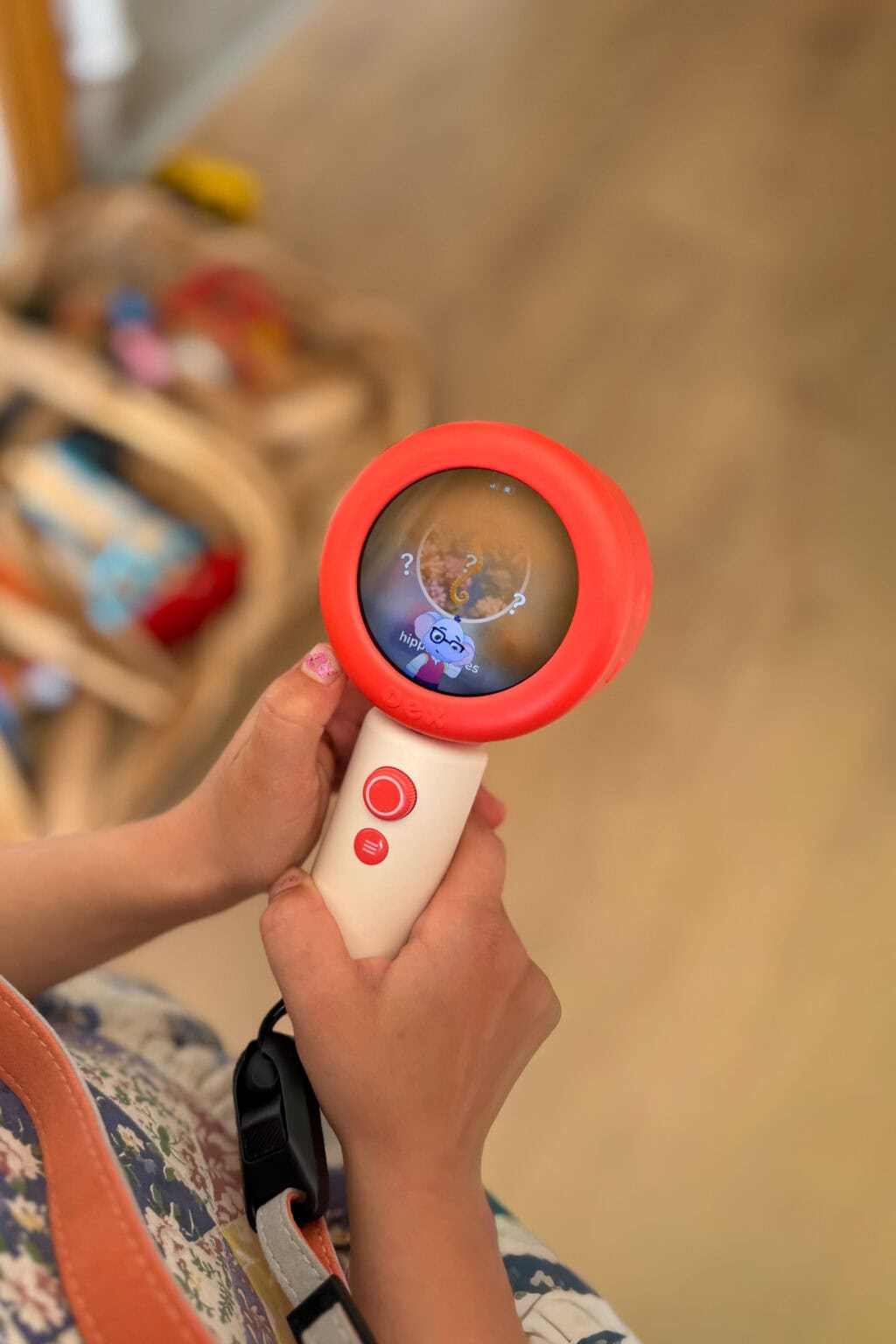
The Dex camera is different because it’s interactive in a way that gets kids off the sofa. It combines a real camera with language learning activities built around the world around them. Your child takes photos of things, and the camera helps them learn the word for that thing in their target language. It’s very clever.
What the Dex Camera Actually Does
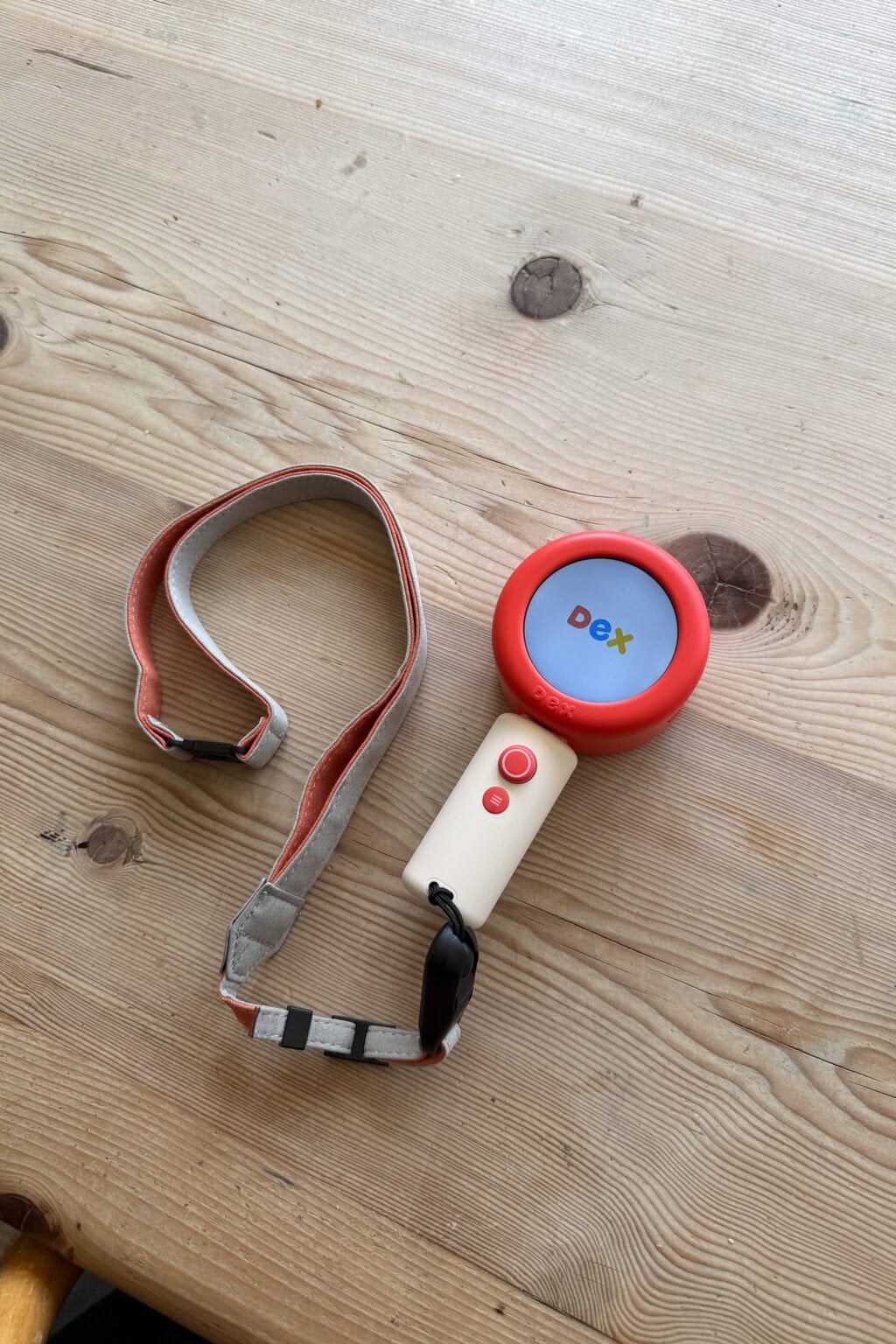
The Dex camera is a child-sized camera with a colour screen and a selection of built-in interactive activities. It was designed by a group of parents of bilingual children, so they really know what’s needed in a language learning toy.
The headline feature is the camera, which allows your little one to snap pictures of the things around them and spark little bite-sized lessons in your chosen language. There are 16 languages available, and over 30 dialects.
Alongside the camera features, the Dex also has in-built stories and learning activities that teach languages through play. Think interactive games and short lessons that fit naturally into daily routines.
For young learners, this is exactly the right approach. Children pick up new vocabulary most easily when it’s attached to something real and physical, something they’ve touched or found themselves.
It’s much closer to how native speakers acquire a second language in childhood than any app I’ve seen. It’s also very engaging, because kids are learning about things they have a genuine interest in.
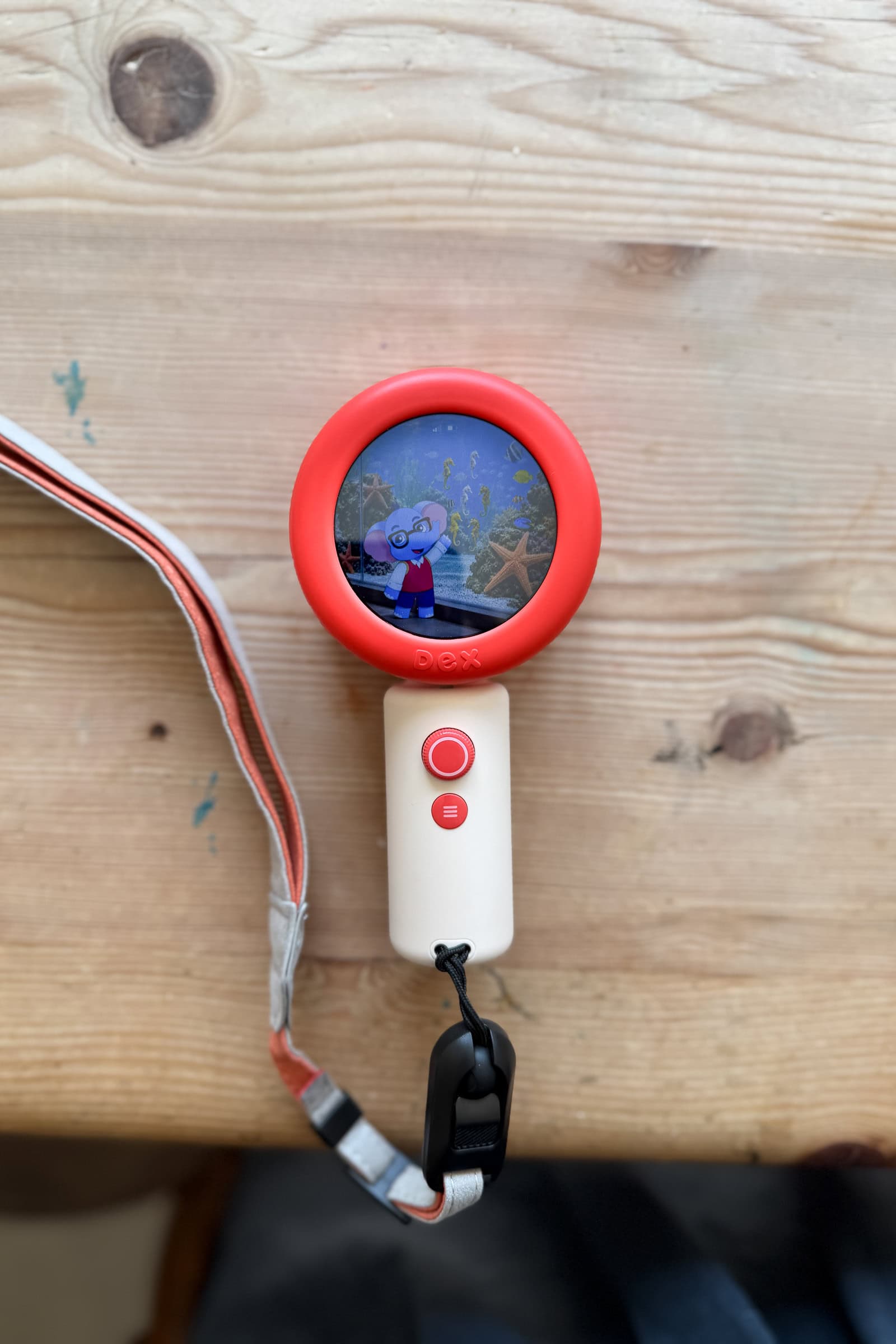
The Dex is audio-first. There’s no reading required, and everything is done via speaking and listening. One tap of the mic button and your child can have a real time conversation with Dex: questions, stories, imaginative back-and-forth. It looks like a toy and handles like one, which means kids want to pick it up.
There is a small screen, which is blue-light filtered so easy on small eyes.
The navigation is simple for little ones to use. The buttons are easy to press, the touch-screen is intuitive, and kids ages 3 and up can use it independently. There’s also an app for parents to use that makes setting up and managing the device really straightforward.
Dex uses Wi-Fi to connect to the internet and there is also a built-in eSIM so you can use it out and about (requires a subscription).
The Dex camera is £189 in the UK (although you can get 10% off using the discount code 10Innes) There are two subscription options to unlock extra functionality, which are $9.99 and $19.99 a month.



What We Love About the Dex Camera
The interactive camera and lessons are excellent. Watching my son tear around the garden photographing everything he could find, shouting the French words with real glee is how you want language learning to feel for kids – less like a lesson and more like a game!
For kids who are learning a new language, engagement is everything. The language acquisition research is clear that children absorb new words when they’re having a good time and the Dex camera gets this exactly right.
It also builds language skills in a way that feels genuinely age-appropriate. There’s no grammar drilling, no abstract concepts or sitting still.
Instead learning is done through everyday activities and basic words, which is a solid strong foundation for young learners at this stage. Given this is an AI-powered learning tool, I was curious to see how accurate the language is, and happily we haven’t come across any errors so far.
It’s also accessible for lots of different ages. Both my 4 year old and 8 year old could use the Dex independently and were engaged for a good while. For older kids there’s enough depth to keep them interested, and the skill level adapts as they go.
There are wider benefits too. Learning a second language builds critical thinking and social skills alongside language skills — the benefits of bilingualism go well beyond just speaking different languages. The cognitive benefits of starting at an early age are well documented, and something like Dex can genuinely contribute to academic achievement down the line.
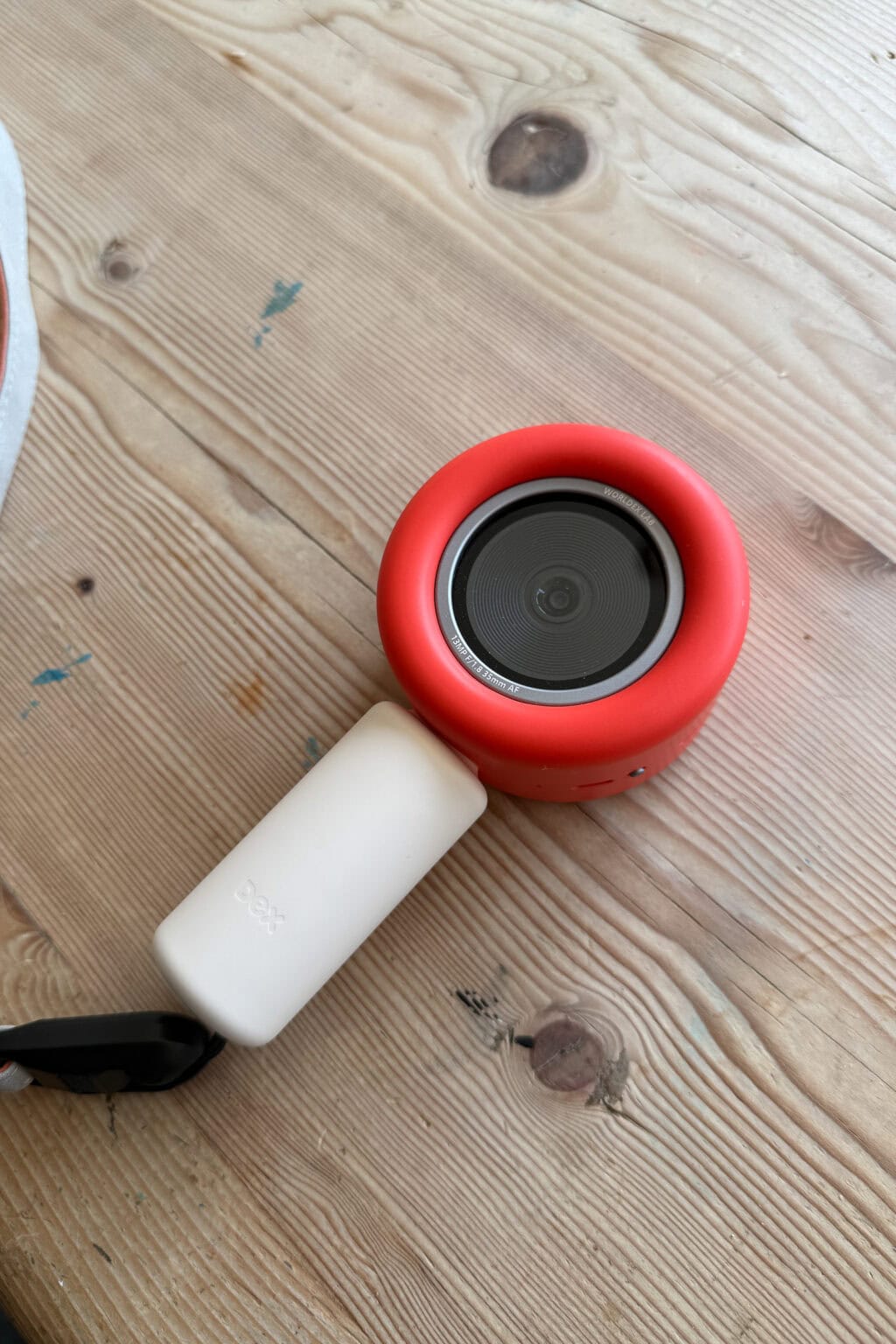
Dex goes far beyond just teaching children how to pronounce words. The interactive stories include fun facts to help foster curiosity and learning about the world around them.
Importantly, the Dex is really well built. It feels sturdy and robust and would likely withstand the inevitable little drops that come with children. It comes with a neck strap that further helps avoid these accidents.
Although this can’t be called a screen-free device, the screen is small and doesn’t create the same addictive pull of a tablet. It’s also blue-light filtered so gentler than other screen devices.
Beyond that, it’s great that you can use the Dex on the go. Although this requires a subscription, we found it really fun creating a scavenger hunt activity in the app and then completing it on a trip to the park. A great way to make language learning part of daily life rather than a separate thing.
One concern I had before the Dex arrived was around the safety of the data it was receiving. The pictures you take are processed by Dex in order to allow the unit to create the stories. There is an option to stop Dex storing your images and data, which we turned on for privacy reasons. It’s good that this is an option so you don’t have to worry about where your child’s images are going.
What We Don’t Love About the Dex Camera
The Dex camera isn’t cheap, and while you can use the actual camera and a few activities without a subscription, the options are limited.
The subscription options are shown below, and you can see that the subscription plans open up a much wider range of creative activities, interactive lessons and bedtime stories.
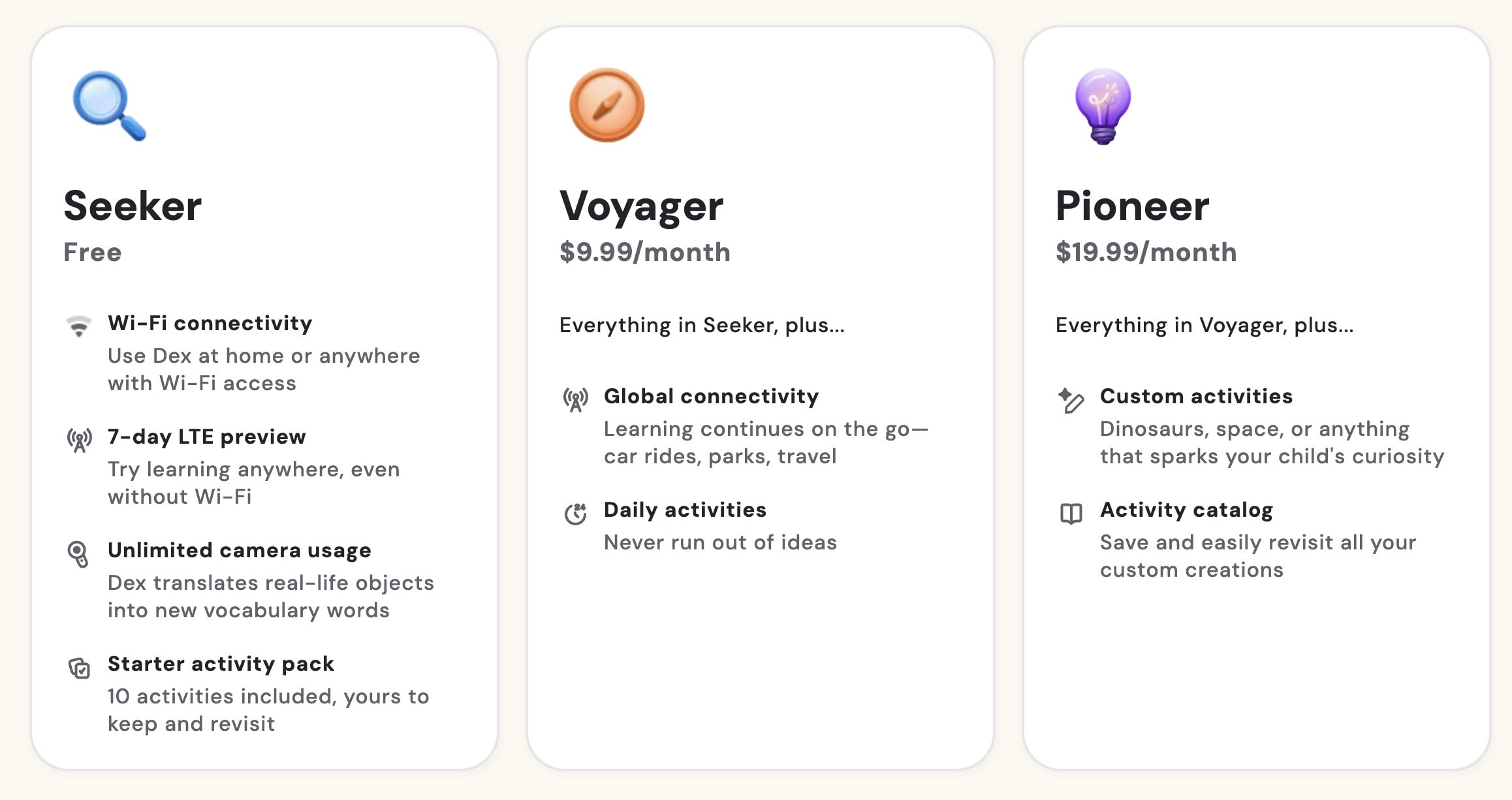
The activities included in the Pioneer Plan are wide-ranging and customisable – for example, it’s possible to create tailored stories designed for a child’s own interests. It would be lovely to create a story around a family trip or a shared hobby!
However, that flexibility requires paying nearly $20 a month, which is a reasonably high cost to pay for additional features.
This would be easier if the subscription price were modest, or if the camera were cheaper to begin with. But paying a significant amount for the device and then paying a recurring subscription on top feels a lot.
The other thing I’d change is that you can’t have multiple children on one device. We have three kids who all want to use it, and there’s no way to separate their learning experience or progress. For families with kids of all ages, that’s a real gap.

So Should You Buy the Dex Camera?
Whether the Dex camera is worth it really comes down to how invested you are in your kids’ language learning.
If you’re looking for something to dip in and out of, or you’re not sure how committed your child will be, the free activities are great, but limited. You’ll need to consider whether the investment in the subscription plans is likely to be worthwhile for you.
However, if you’re committed to language learning for kids as a regular part of your week — perhaps you’re raising bilingual kids — and you’re happy to factor in the subscription cost, the Dex camera is genuinely one of the best resources I’ve seen for making a new language feel exciting and accessible to younger children. The interactive games and physical format set it apart from digital tools and language-learning apps in a unique way.
Overall, the Dex camera is probably the most innovative and child-friendly way to get kids learning a language. It’s designed to be engaging and fun, yet genuinely educational. It does come at a cost, and whether the cost is worthwhile for your family will depend on your commitment to language learning.
You can get 10% off Dex cameras with the code 10Innes